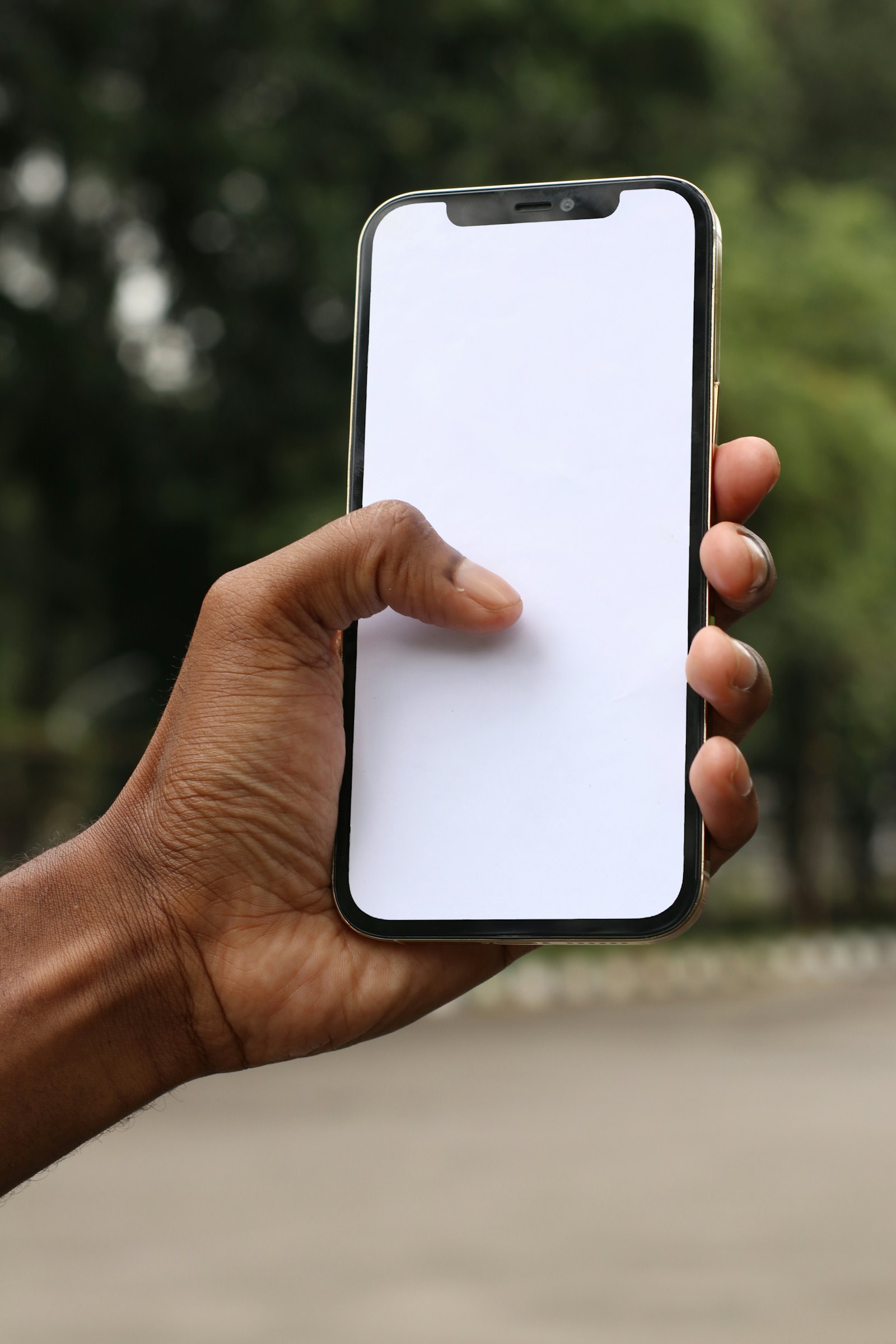
Call forwarding for small business in Australia: how it works and what it costs
Forward your business number to your mobile, always or only after hours, without giving out your personal number. How call forwarding works, the settings that matter, what happens when you miss the call, and what it costs.

A customer wants a local number for their business, an 03 for Melbourne say, and they want calls to that number to ring their own mobile. That’s it. No office, no desk phone, no receptionist. It’s one of the most common things a small business asks for, and it has a name: call forwarding.
This guide explains how business call forwarding works in Australia, the handful of settings that make it work well, what happens when you can’t pick up, and what it costs.
What call forwarding is (and isn’t)
Call forwarding sends calls made to one number on to another number. Customers ring your business number; your mobile rings. They never see your personal number, and you can change where calls go at any time without reprinting a single business card.
It’s easy to mix up with call transfer. Forwarding happens before anyone answers. A transfer is when you’ve already answered and pass the call to someone else. Most small businesses want both eventually; we cover transfers in Call transfer for small business.
When should calls forward?
“Always” is the simplest choice, but it’s rarely the only one you want. With Colvy’s call forwarding you choose:
- Every call. Your business number simply rings your mobile. Good for sole traders and anyone always on the road.
- Only when you’re closed. During opening hours calls ring your team in the browser or the Colvy app; after hours they forward to your mobile. Colvy goes by your opening hours, including the holiday hours on your Google Business Profile.
- After your team’s phones have rung. Ring the team first, in order or all at once, and forward to a mobile only if nobody picks up. See cascade ring and simultaneous ring.
- When a caller chooses it. In a press-1 menu, one option can forward to a mobile: “For after-hours emergencies, press 9.” More on menus in Auto attendant vs IVR.
The settings that make forwarding work
Ring time
How long the forwarded call rings before Colvy gives up on it. Colvy uses 25 seconds unless you change it. Too short and you miss calls while you find your phone; too long and callers hang up before your fallback plays.
“Press 1 to accept”
This is the setting most people don’t know they need. When a forwarded call reaches your mobile and you don’t answer, your mobile’s own voicemail picks up. The caller leaves a message in your personal voicemail, the call looks “answered”, and your business never knows it happened.
With press 1 to accept (on by default in Colvy), whoever answers hears who the call is for and presses 1 to take it. A voicemail can’t press 1, so if your phone’s voicemail answers, the call comes back to Colvy and carries on to your business voicemail instead.
Which number shows on your mobile
Colvy shows your business number when it forwards a call, so you know it’s a work call before you answer. If you’d rather see the caller’s own number, you can choose that instead.
What happens when you can’t answer
Forwarding gets the call to you. It doesn’t help when you’re driving, on a job or asleep. Decide what happens to the calls you miss:
- Business voicemail that’s transcribed and summarised, so you read it instead of dialling in. See voicemail.
- A missed-call text that goes to the caller straight away, so the conversation carries on by SMS instead of going cold. See missed call text back.
- An AI receptionist that answers when you don’t, handles the common questions and takes a message. See AI receptionist.
Every forwarded call is logged in Colvy like any other call, with the recording, a transcript and a summary, so nothing lives only in your mobile’s call history.
What does call forwarding cost?
Forwarding costs vary a lot between providers. Watch for per-minute charges on forwarded calls, separate fees for the number, and add-ons for voicemail or call recording.
On Colvy there are two ways to have a number:
- Just want calls on your mobile? The Business number plan is A$35 a month, all in: one Australian number (02, 03, 07, 08 or an 04 mobile), forwarding always or only after hours, voicemail, every call in the Colvy app, and 100 call minutes a month, then 20c a minute. Billed monthly.
- Want the whole team answering in a shared inbox? Numbers are A$15 a month each on the Inbox and Everything plans, with calls, SMS, email and chat in one place.
Already have a number customers know? You can move it to Colvy; most ports take 1 to 3 weeks.
A quick setup checklist
- Get a number (or request a port) and choose where calls should go.
- Pick when they forward: always, only when closed, or after the team has rung.
- Leave press 1 to accept on, and set a ring time you can actually answer within.
- Set your opening hours, so “only when closed” knows when you’re closed.
- Choose what happens to missed calls: voicemail, a missed-call text or the AI receptionist.
- Make a test call from someone else’s phone, during and outside opening hours.
That’s all most businesses need: a number customers can call, that rings you where you are, and a plan for the calls you can’t take.
Key takeaways
- Call forwarding sends calls for your business number to another phone, usually your mobile, so you never have to hand out your personal number.
- Decide when calls forward: always, only when you’re closed, or after your team’s phones have rung.
- Turn on “press 1 to accept” so your mobile’s voicemail can’t quietly take the business call.
- Plan for the missed call too: business voicemail, a missed-call text or an AI receptionist.
- On Colvy, a number that forwards to your mobile is A$35 a month all in, with 100 call minutes.
Bring every conversation into one inbox
Messages, calls, reviews and feedback — all in Colvy. Start free.
Get started free