Gyms and fitness studios: turn enquiries into members with Colvy
Trial enquiries on Instagram at 9pm, a 6am class that’s full, a PT client who forgot, and a front desk that’s empty half the day. How gyms, PT studios and yoga and pilates studios run their messages, bookings and marketing in one place.

It’s 9:14pm on a Sunday at a made-up gym, Harbourside Strength. Someone messages on Instagram asking whether beginners can come to the Saturday class. Another person rings, gets no answer and doesn’t leave a message. A regular texts the coach’s personal mobile to say she’ll miss tomorrow’s 6am. And the waitlist for that 6am class is a sticky note on the front desk.
None of this is unusual. Gyms, PT studios, yoga and pilates studios and boxing and CrossFit-style boxes all run on the same things: enquiries that need a fast answer, classes with a fixed number of spots, regulars who come back on a rhythm, and a front desk that’s often nobody at all.
This guide shows how a gym or studio runs that side of the business in Colvy: enquiries, class and PT bookings, paperwork, and the marketing that brings quiet members back.
What Colvy does for a gym (and what it doesn’t)
Colvy is where your customer conversations, bookings and marketing live: Instagram and Facebook messages, website chat, texts, email and phone calls in one shared inbox, plus online booking, forms, campaigns and reviews.
It also sells class packs (“10 classes for $150”) and memberships billed to the member’s card each week, fortnight or month, through your own Stripe account, and members book classes with them on your booking page. What it doesn’t do: collect direct debits from bank accounts, or run door access. If you need those, keep the system that does them, and let Colvy handle everything around it: the enquiry before someone joins, the class bookings and reminders, the questions and the follow-ups.
1. Answer the trial enquiry before it goes cold
Most people looking for a gym message two or three at once. The one that answers first, clearly, with an easy next step, usually gets the trial.
In Colvy, Instagram and Facebook messages, website chat, texts and email land in one inbox, so nobody has to check four apps. Your AI agents can answer the common questions straight away, any time of night, from what you’ve taught them: the timetable, prices, parking, what to bring. Anything they’re unsure about comes to your team, with the conversation so far.
Phone calls count too. If nobody can pick up because every coach is on the floor, Colvy’s missed-call text back can text the caller once, with your booking link in it. Their reply lands in the same conversation as the missed call.
2. Classes with a set number of spots
Set each class up as a service on your booking page with a number of spots: 12 for a reformer class, 20 for a HIIT class, whatever the room holds. The booking page shows how many spots are left in each class, and once a class is full nobody else can book it online.

When a class is full, members can join the waitlist instead: they choose the class, the days, and mornings, afternoons or any time. When someone cancels, Colvy offers the freed-up spot to the people waiting. In a group class, everyone offered keeps their chance until the spots run out.
Then the reminders do the chasing for you:
- 24 hours before: a text and an email, asking them to reply C to confirm or R to reschedule.
- 2 hours before: a short text.
- Your cancellation window: set how many hours’ notice you need, and whether late cancellations are allowed or blocked online.
A spot that’s cancelled in time goes back on the timetable and to the waitlist, rather than standing empty.
3. Class packs and memberships
Most members don’t want to pay class by class. In Bookings → Passes, set up what you sell:
- A class pack: “10 classes for $150, use within 3 months”. Paid once, by card on your booking page, or in cash at the desk.
- A membership: “$39 a week, unlimited classes”, or “8 classes a month”. Billed to the member’s card every week, fortnight or month through your own Stripe account, until they cancel.
Each one can cover every class or only some, so a pack can be for yoga and pilates but not PT.
When a member books, they choose Use my pass and sign in with a code sent to their email or mobile. A class comes off their pack, or their membership covers it, and they don’t pay again. Cancel within your window and the class goes back on their pass. Cancel late and it’s used, the same as a late cancellation.
At the desk, you see who has what: classes left, when a pack expires, when a membership renews, and whose last payment didn’t go through. You can add a class as a goodwill gesture, give a free trial pack, or use someone’s pass for a booking they made by phone.
4. PT sessions that keep their rhythm
Personal training is the opposite of a class: one client, one coach, the same time each week. Set PT up as its own service with capacity one, choose which coaches take it, and set how long it runs with any buffer before or after.
Two settings make the biggest difference:
- Take payment online. Choose no payment, a deposit, or the full price when booking, paid by card through your own Stripe account. A deposit makes a forgotten 6am session much less likely.
- Book the rhythm. Open a confirmed booking and repeat it every 1, 2, 3, 4, 6, 8 or 12 weeks, for up to 26 sessions. Colvy shows which dates are free before anything is booked, skips any that aren’t, and sends the client one message with every date.
| Session | How to set it up |
|---|---|
| Group class | 12 to 20 spots, waitlist on, reminders on |
| PT session | 1 spot, the coaches who take it, a deposit |
| Online check-in | A video appointment, 30 minutes |
| Free intro chat | 20 minutes by phone, no payment |
For studios without a front desk, Colvy’s “I’m here” button helps too. From 30 minutes before an in-person session, the client’s booking page shows a big “I’m here” button. When they tap it, the coach gets an alert, without anyone stopping a set to check the door.
5. Paperwork before the first session
New members usually need a sign-up form, a health questionnaire or a waiver before they train. Build them once with Colvy forms: text, choices, dates, file uploads and a signature field, with questions that only appear when they’re relevant (“Do you have an injury we should know about?” → “Tell us more”).
Send the link in the same chat where they booked, and the answers come back into Colvy, where your team can find them before the first session.
6. Bring quiet members back
Every gym has people who joined in January and haven’t been seen since March. A short, friendly text often does more than another round of ads.
The trick is knowing who’s who. Every enquiry, booking and message in Colvy belongs to a contact, and you can tag them as you go: trial, member, lapsed, 6am crew, pilates. Then a campaign goes to just the people it’s meant for:
Colvy’s AI campaign builder can draft the audience, the message and the timing from a sentence (“text lapsed members about the new evening class”), and you check and edit it before anything sends. After it goes out, the report shows who clicked and replied, and you can send a follow-up to everyone who didn’t click.
Marketing texts and emails need consent and an easy way out. Colvy skips anyone without marketing consent or who has opted out, and stops texting anyone who replies STOP. Our guide to SMS marketing consent in Australia covers the rest.
7. Reviews, referrals and the poster by the door
Good reviews are what people check before they message you. When a booking finishes, Colvy can send a review request, if you use them, and you can reply to every Google review from the inbox.
For the poster by the door, the flyer at the café next door or the link in your Instagram bio, make a smart link with a QR code. Each poster or post gets its own link, so Link Reports shows which ones brought people to your booking page.
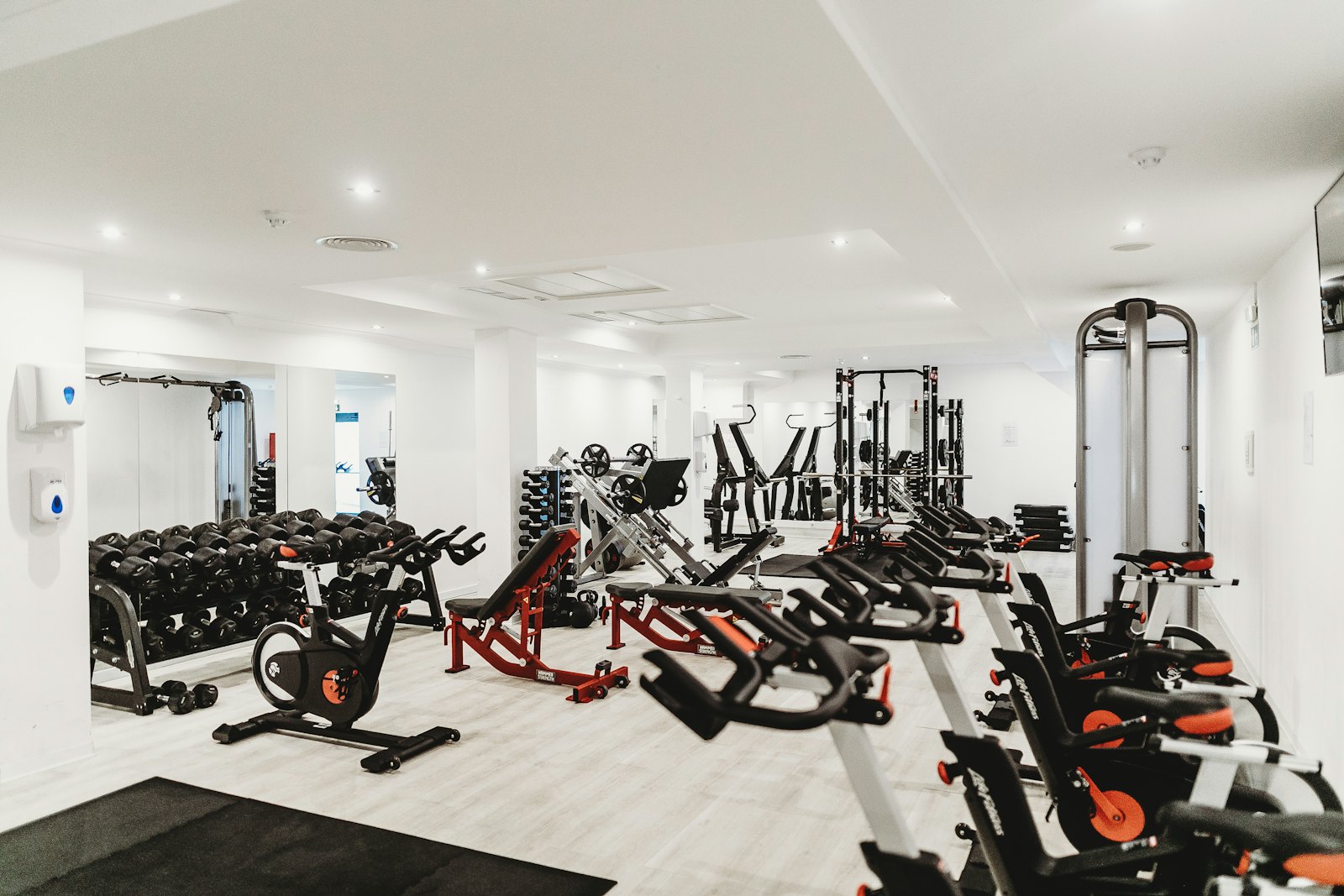
A week at a made-up gym, with Colvy
- Monday 6am: the 6am class is full. Two people on the waitlist get offered the spots freed up by Sunday’s cancellations. Both book before the coach arrives.
- Tuesday: a trial enquiry comes in on Instagram at 9:40pm. The AI agent answers with the beginner class times and the booking link, and she books for Saturday.
- Wednesday: a PT client’s Thursday sessions are booked on repeat for the next 12 weeks, with a deposit on each. Two trial members buy a 10-class pack on the booking page after their free class.
- Friday: a text to everyone tagged lapsed about the new evening class. Four replies by lunchtime, all in the same inbox.
- Saturday: the trial member taps “I’m here” at 7:52am. The coach meets her at the door.
Getting started
- Connect Instagram, Facebook, your website chat and your business number.
- Add your classes and PT as services, with spots, coaches, payments and your cancellation window. Then add your class packs and memberships under Bookings → Passes.
- Turn on reminders, the waitlist and missed-call text back.
- Build your sign-up form or waiver and save a reply with the link.
- Teach your AI agents the timetable, prices and FAQs.
- Start tagging: trial, member, lapsed.
Colvy’s Inbox plan is one price for your whole team, A$179 a month or A$149 a month billed yearly, GST included, with 3,000 texts a month. Using Mindbody now? See Colvy vs Mindbody. Start free and set up your timetable this afternoon.
Key takeaways
- Answer trial enquiries within minutes, on whichever channel they came in on. That’s where most new members are won or lost.
- Set each class up with a number of spots, so the booking page shows what’s left and a waitlist fills the gaps when someone drops out.
- Sell class packs and memberships on your booking page. Members book with them instead of paying each time, and a class cancelled in time goes back on their pass.
- Reminders a day and two hours before, with “reply C to confirm”, cut the no-shows that leave a coach teaching an empty room.
- Book PT clients on repeat, weekly for up to 26 sessions, so the rhythm doesn’t depend on someone remembering.
- Tag members as you go (trial, member, lapsed, the classes they like) so your texts and emails go to the right people.
Bring every conversation into one inbox
Messages, calls, reviews and feedback — all in Colvy. Start free.
Get started free