Tattoo, lash and brow studios: consults, deposits and fewer no-shows
Most enquiries arrive on Instagram with a reference photo. How tattoo, lash, brow and beauty studios turn DMs into booked consults, take deposits, collect consent forms and cut no-shows, with Colvy.
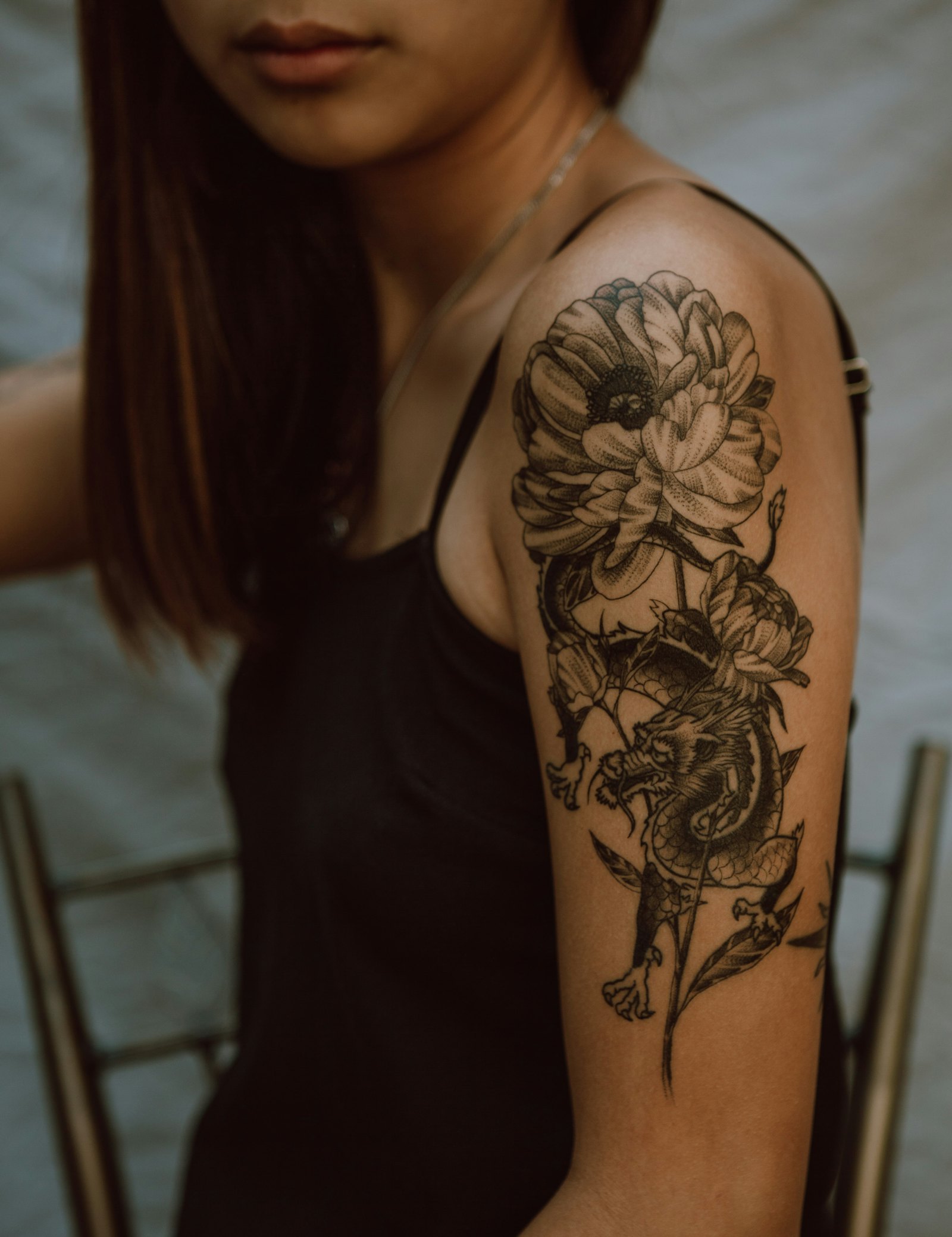
At a made-up studio, Inkwell Tattoo, nearly every new client starts in Instagram DMs: a photo of an idea, “how much?” and “when can you fit me in?”. The artists answer between sessions, if they remember. Deposits are chased by text. Consent forms are on paper at the desk. And a no-show on a full-day session costs the whole day.
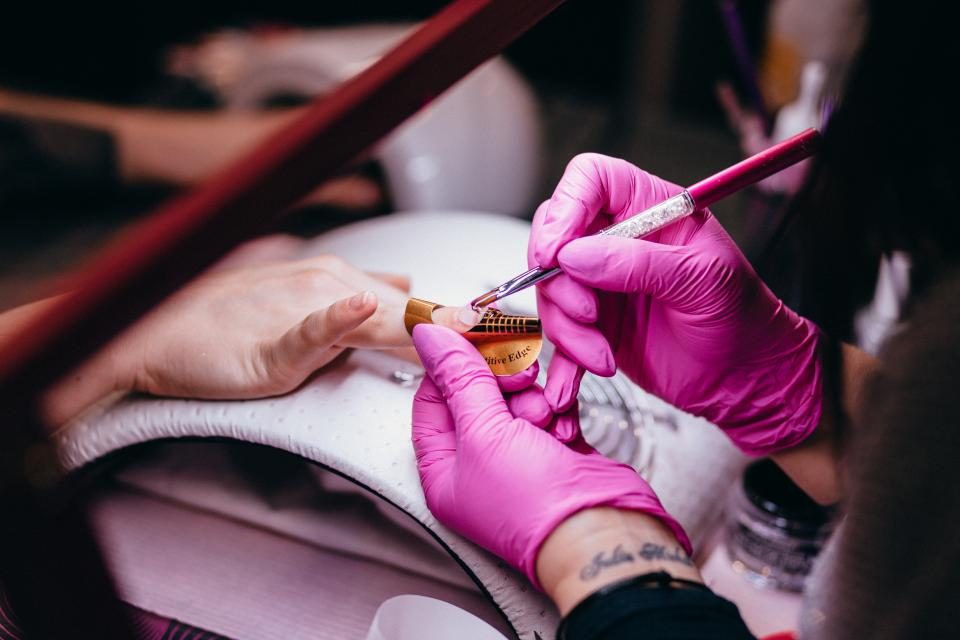
Lash, brow, nail and beauty studios have the same problems on a smaller scale. Here’s how they run in Colvy.
1. Answer the DMs
Instagram and Facebook messages land in one inbox with your texts, email and website chat, so the whole studio can see what’s waiting and who’s answering. Reference photos stay in the thread with the client’s history.
AI agents can answer the common questions straight away (prices, how consults work, aftercare basics) from what you’ve taught them, and pass anything about a design to an artist.
2. Consults, sessions and deposits
On your booking page, set up what clients book: Free consult (15 min), Half-day session, Lash full set, Brow lamination. For each, choose the artist, how long it runs, a buffer to clean down, and payment: none, a deposit, or the full price, by card through your own Stripe account.
Set your cancellation window, and whether late cancellations are allowed or blocked online. A deposit plus reminders is the most reliable way to protect a long session.
3. Forms and photos before the day
- Consent forms with Colvy forms: the questions you need, a date of birth, and a signature field. Send the link with the booking, so it’s done before they sit down. Check your state’s rules on what you must ask and keep.
- Reference photos: send a photo request link, and the client uploads pictures straight into the conversation.
- What to expect: put prep and aftercare basics in the note on your booking confirmation, and keep a saved reply for the full aftercare text (type “/” in the reply box).
4. Fewer no-shows, fuller books
Reminders go out a day before (text and email) and two hours before (text), and clients reply C to confirm or R to reschedule. When someone does cancel, the waitlist offers the freed-up time to clients waiting for a spot, and the first to book gets it.
For regulars (lash infills every two to three weeks, say) book them on repeat in one step, for up to 26 visits.
5. Healed photos and reviews
A few weeks after a tattoo, a short message asking for a healed photo brings clients back into the conversation, and it’s the right moment to ask for a review. Reply to every Google review from the inbox. For lash and brow clients, a “time for your next one?” message a set number of days after a booking does the rebooking for you.
Getting started
- Connect Instagram, Facebook, your number and website chat.
- Add consults and sessions with artists, buffers and deposits.
- Build your consent form, and add the link to your confirmation note.
- Turn on reminders and the waitlist.
Read our guide to no-shows for salons and barbers for more. Using a booking app now? See Colvy vs Fresha and Colvy vs Timely. Start free today.
Key takeaways
- Answer Instagram DMs from a shared inbox, so enquiries don’t sit unread while you work.
- Book consults and sessions online, with a deposit for anything long or custom.
- Collect reference photos in the conversation, and consent forms with a signature before the day.
- Reminders with “reply C to confirm” and a waitlist for cancellations keep the chair full.
Bring every conversation into one inbox
Messages, calls, reviews and feedback — all in Colvy. Start free.
Get started free