Running a cleaning business: quotes, regular cleans and proof of the job
Quote requests while you’re mid-clean, regular clients on a fortnightly rhythm, end-of-lease jobs that need a checklist and photos, and a team spread across town. How cleaning businesses run all of it from their phone with Colvy.
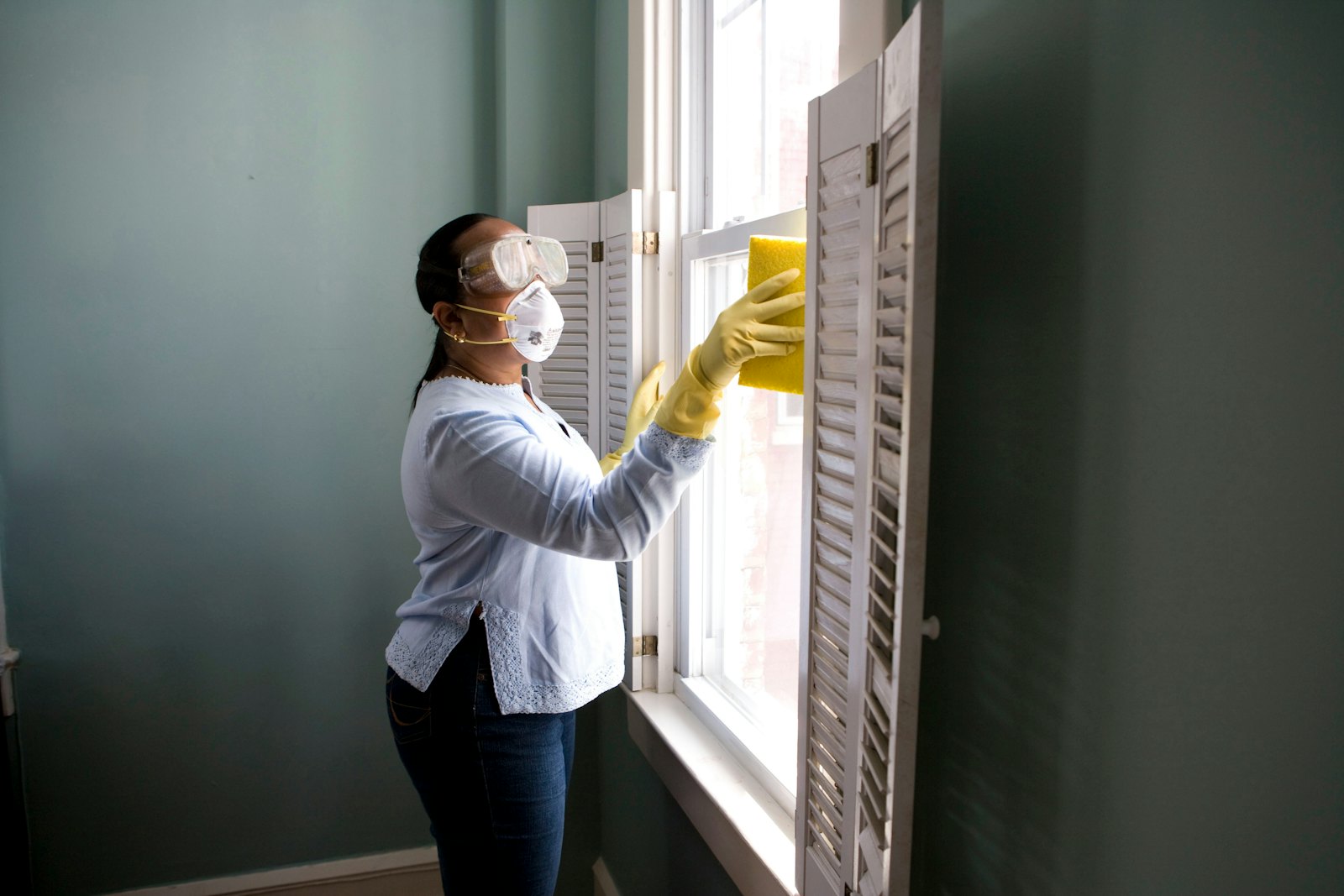
A made-up cleaning business, Spotless Co., has three cleaners, two cars and one owner who quotes jobs from the driveway between cleans. Quote requests come in by Facebook, the website, text and the occasional call that rings out because her hands are in a sink. Regular clients are in a spreadsheet. End-of-lease jobs need a checklist the agent will actually accept.
This guide shows how a cleaning business runs that side of things in Colvy: quotes, regular cleans, one-off jobs and the proof that the job was done.
1. Catch every quote request
Quote requests come in from everywhere: Facebook, Instagram, your website, texts and calls. In Colvy they land in one inbox you can answer from your phone, between jobs.
- Missed calls: turn on missed-call text back, so a caller you couldn’t answer gets a text and replies there.
- A quote request form: a Colvy form asks the questions you always need (address, number of bedrooms and bathrooms, the type of clean, photos of the worst bits) and you can turn a response straight into a job.
- Photos on request: need to see the oven before you quote? Send the customer a photo request link, and they upload pictures from their phone into the conversation.
2. Quotes customers can accept online
With Jobs & Services, you build a quote from your own price list: line items, quantities, a discount if you want one, and Australian GST worked out to the cent. Add a deposit for bigger jobs.
The customer gets a link by text or email. They see the quote with your terms, and Accept (typing their name to agree) or Decline. If you asked for a deposit, they pay it by card straight after accepting.

3. Regular cleans on repeat
Regular clients are the backbone of a cleaning business. Set up your regular clean as a service on your booking page that happens at the customer’s address, with how long it takes.
Then book the rhythm once: open the confirmed booking and repeat it every 1, 2, 3 or 4 weeks (or 6, 8 or 12), for up to 26 visits. Colvy shows which dates are free first, skips any that clash, and sends the client one message with every date. Before each visit, they get a reminder and can reply C to confirm or R to reschedule.
Would you rather run regular cleans as jobs, with a checklist and a team assigned? Set the job to repeat every week, 2 weeks, 4 weeks, month or 3 months. Each visit becomes its own job, with the same address, cleaners, checklist and price, on the board a few weeks ahead.
4. Jobs your team can work from
For one-off and bigger jobs, the job in Colvy is the single place everyone works from:
- Assign the job to one or more cleaners. Colvy warns you if it clashes with something else they’re booked on, and the job appears on the team calendar.
- A checklist for the job: every room on the end-of-lease list, ticked off as they go.
- Photos of the job, before and after, attached to the job itself.
- Time on the job, with a work timer.
- The customer’s signature at the end, on the cleaner’s phone.
- The invoice for the balance, sent by text or email with the deposit already taken off. They pay by card online, and if it’s late, Colvy texts a reminder 1, 7 and 14 days after the due date.
Field staff see only the jobs they’re on, not the whole business.

5. Notes that save a wasted trip
Access instructions, pets, the room they don’t want touched: add them as a note on the customer, and everyone on the job sees them. Internal notes stay inside your team and are never sent to the customer.
6. Reviews and repeat work
When a job is done, ask for a review while the customer is happy, and reply to every Google review from the inbox. A short text a few months after an end-of-lease clean (“moving again? we’d love to help”) costs almost nothing and brings work back.
Getting started
- Connect your business number, Facebook, Instagram and website chat.
- Add your price list and your quote terms, and set your deposit.
- Set up your regular clean as a booking service at the customer’s address.
- Build your end-of-lease checklist and quote request form.
- Invite your cleaners. They see only their own jobs.
Our guide to quotes and jobs for trades goes deeper on quoting. Using a job app now? See Colvy vs ServiceM8 and Colvy vs Tradify. Start free and send your first quote today.
Key takeaways
- Answer quote requests fast, from wherever you are. The first clear quote usually wins the job.
- Send quotes customers can accept online, with GST worked out and a deposit paid by card straight after.
- Book regular cleans on repeat at the customer’s address, with reminders before each visit.
- Use a checklist, before-and-after photos and the customer’s signature on bigger jobs like end-of-lease cleans.
- Field staff see only their own jobs, and everyone works from the same calendar.
Bring every conversation into one inbox
Messages, calls, reviews and feedback — all in Colvy. Start free.
Get started free