Photographers and event venues: from enquiry to booked date
Enquiries on Instagram, email and the website form, packages quoted with a deposit, a run sheet that lives in someone’s inbox, and the balance chased the week before. How photographers and venues run it in Colvy.
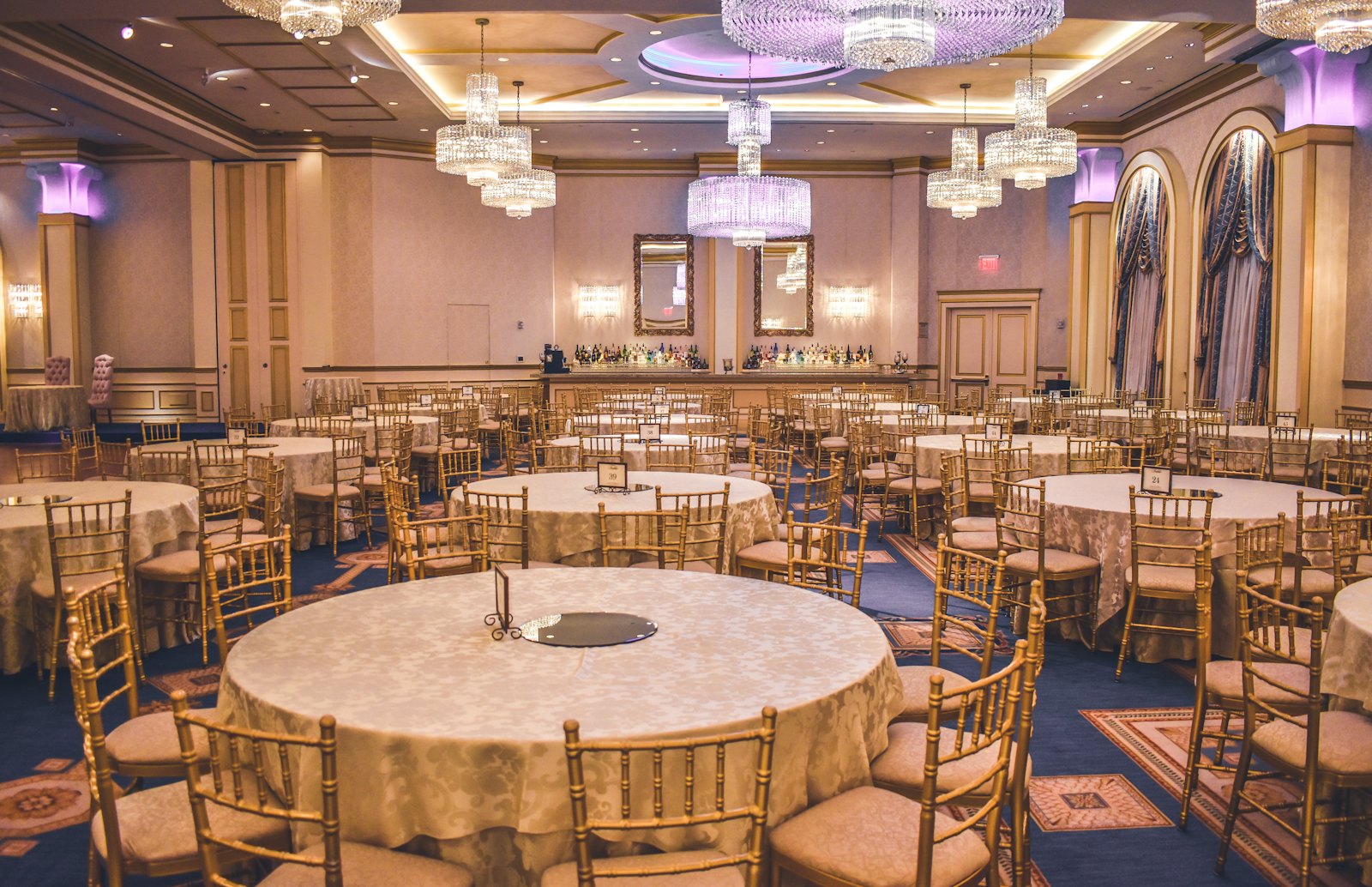
A made-up wedding photographer, Golden Hour Studio, gets enquiries on Instagram, by email and through a website form, usually from couples who’ve messaged five other photographers the same night. A made-up venue, The Glasshouse, runs tours on Saturdays, quotes every event by hand, and chases balances the week before.
Photographers, videographers, DJs, celebrants and event venues sell dates. Here’s how to win more of them, and run them smoothly, in Colvy.
1. Every enquiry, answered fast
Instagram, Facebook, email, website chat and texts land in one inbox. Anyone on the team can see new enquiries and reply, and AI agents can answer the common questions (packages, travel, what’s included) from what you’ve taught them, out of hours.
2. Calls and tours booked online
Put Free 20-minute call (video) or Venue tour (30 min) on your booking page. Add your video link to the call, and it’s in every confirmation. Reminders go out the day before. For Saturday tours, set the times you run them and let people pick.

3. Quote the package, with a deposit
Send a proper quote with Jobs & Services: your packages and extras from your price list, Australian GST worked out to the cent, and your terms. The client accepts online by typing their name, and pays the deposit by card straight after, which secures the date.
4. The run sheet and the details
Build a questionnaire with Colvy forms: the timeline, the addresses, the must-have shots, the supplier contacts, dietary requirements for a venue. Send it a month out, and the answers come back into Colvy.
On the day, the job holds the details everyone needs: who’s working, a checklist, photos and notes. Team members see the jobs they’re on.
5. The balance, then the review
Take the balance with a payment link in the conversation a week or two before. After the event, ask for a review while they’re still glowing, and reply to every Google review from the inbox.
Getting started
- Connect Instagram, Facebook, email, website chat and your number.
- Add your call or tour to your booking page.
- Add your packages and terms to your price list, with your deposit.
- Build your run sheet questionnaire.
Start free and answer your next enquiry first.
Key takeaways
- The first business to reply clearly usually wins the booking. Answer every enquiry from one inbox.
- Quote packages online with your terms and a deposit, so the date is locked in when they accept.
- Let couples and clients book a call or a venue tour online.
- Collect the run sheet with a form, and take the balance with a payment link before the day.
Bring every conversation into one inbox
Messages, calls, reviews and feedback — all in Colvy. Start free.
Get started free