Follow-up automations: how to make sure no customer is left waiting
Most lost customers aren’t lost to a bad answer. They’re lost to no answer. Here’s how to use waits and checks in Colvy’s automation builder to nudge the team, escalate quietly and follow up missed calls, so nobody slips through.

Ask anyone why they stopped using a business and you'll rarely hear "they gave me the wrong answer". Far more often it's "I never heard back".
It's rarely anyone's fault. A message arrives during the lunch rush. Someone opens it, means to come back to it, and doesn't. A call is missed while you're with a customer and the voicemail sits there until Thursday.
Follow-up automations catch those moments. Here's how to build them in Colvy's automation builder.
The two building blocks
Wait pauses a flow for anything from one minute to seven days, then carries on with the next step. Waits are checked every minute, and you can use up to five on any one path through a flow.
Still waiting for a reply is a check that says Yes when nobody, a person or Colvy AI, has answered since the customer last wrote. For a missed call, it says Yes when nobody has called them back or picked up a later call. Internal notes and automatic acknowledgements don't count as answers, so a quick "thanks, we'll be with you soon" can't hide a customer who's still waiting.
Put them together and you get the core of every follow-up: wait, then check, then act only if needed.
Four follow-ups worth building
1. Nobody replied in 15 minutes
When a customer sends a message → Wait 15 minutes → Still waiting for a reply? Yes: Notify the team.
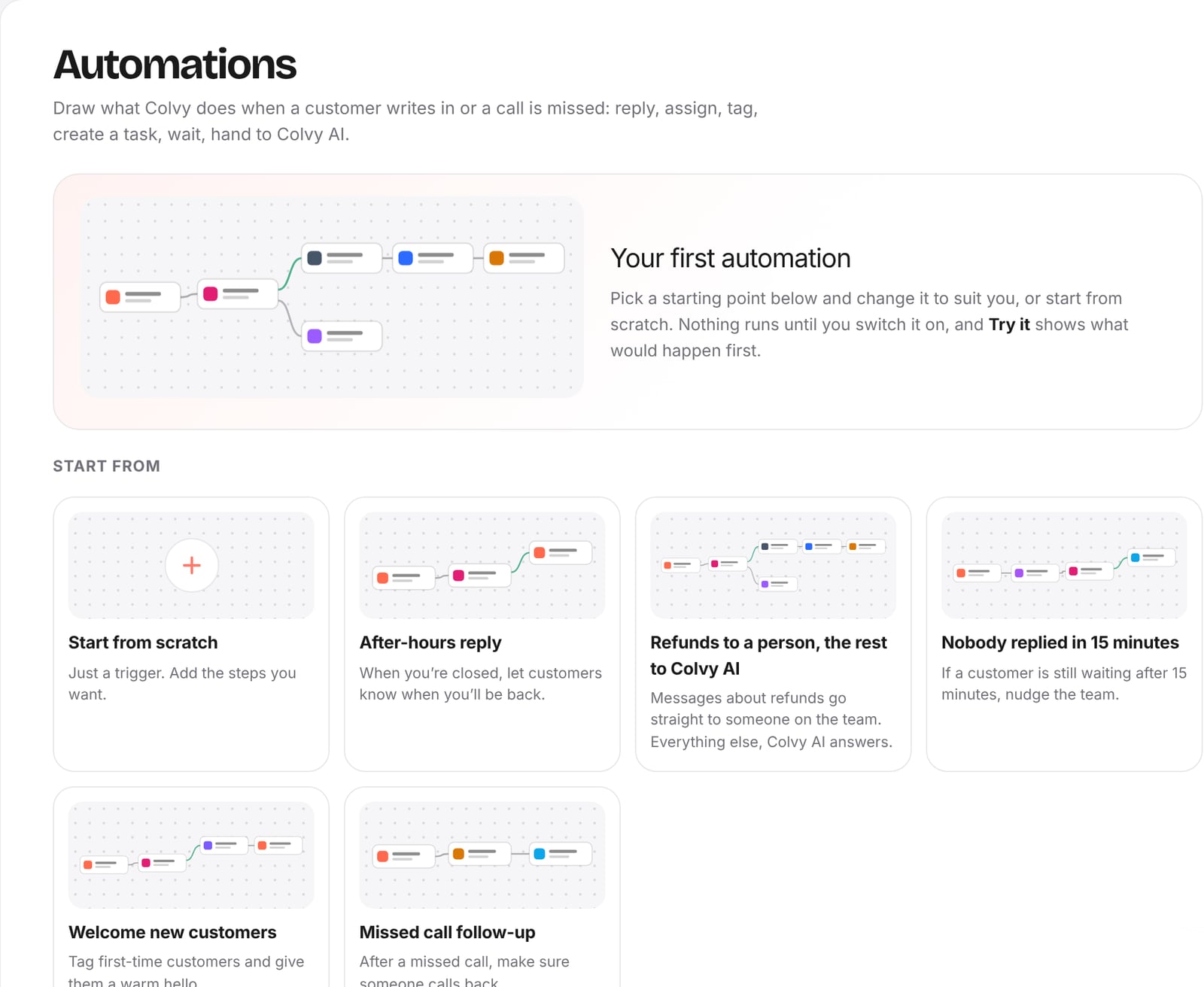
This is one of Colvy's templates, so you can start from it and change the time to suit your business.
2. An escalation ladder
Some messages need more than one nudge. Chain waits and checks:
- Wait 15 minutes → Still waiting? Yes: Notify the team.
- Wait 45 minutes more → Still waiting? Yes: Notify the owner or manager by name.
- Wait 3 hours more → Still waiting? Yes: Create a task due today and Assign to someone.
Each check asks fresh, so the moment anyone replies, the ladder stops at the next check.
3. Missed call follow-up
When a call is missed → Create a task "Call back the missed caller", due today → Notify the team. That's the template. To add a safety net, put a Wait of 30 minutes after it, then Still waiting? Yes: Notify the owner.
If you already send a missed-call text, that still goes as usual. The automation runs as well.
4. Acknowledge now, answer soon
For channels where people expect a quick response, like website chat:
Send a reply: "Thanks {first_name}, someone will be with you in a few minutes." → Wait 10 minutes → Still waiting for a reply? Yes: Hand to Colvy AI to answer their latest message, or Notify the team if you'd rather keep it human.

What happens while a flow is waiting
- The flow is remembered as it was. If you edit the automation while a run is waiting, that run finishes the way it started, so an edit can't send it somewhere odd.
- It stops if it should. A waiting run stops if you switch the automation off or delete it, if the conversation is deleted, or if it's marked as spam or blocked.
- No double nudges. By default a flow won't start again for the same conversation for 12 hours, so a customer who sends three messages in a row doesn't set off three escalations.
Keep the timings honest
Pick times that match what you can actually do. If your team can reliably answer chat within 10 minutes, nudge at 15. If email usually takes a few hours, don't escalate after 30 minutes. Our guide to reducing first response time has more on setting realistic targets.
Test every flow with Try it: tick "Nobody has replied yet" and watch the path light up. Then switch it on and read Runs for the first week. Automations are included on the Inbox and Everything plans.
Start free and make sure nobody's left waiting.
Key takeaways
- A Wait step pauses a flow for anything from a minute to seven days, then carries on.
- Always put a “Still waiting for a reply” check after a wait, so the flow only acts if nobody has answered.
- Escalate in steps: a nudge to the team first, then the owner, then a task.
- Automatic acknowledgements don’t count as answers, so they can’t hide a customer who’s still waiting.
Bring every conversation into one inbox
Messages, calls, reviews and feedback — all in Colvy. Start free.
Get started free