Own a food truck? Here’s how Colvy can help your business
“Where are you today?” on Instagram, a call nobody can grab mid-rush, a catering enquiry buried in your DMs, and regulars who never know where you’re parked. How a food truck runs its messages, calls, catering and marketing in one place.
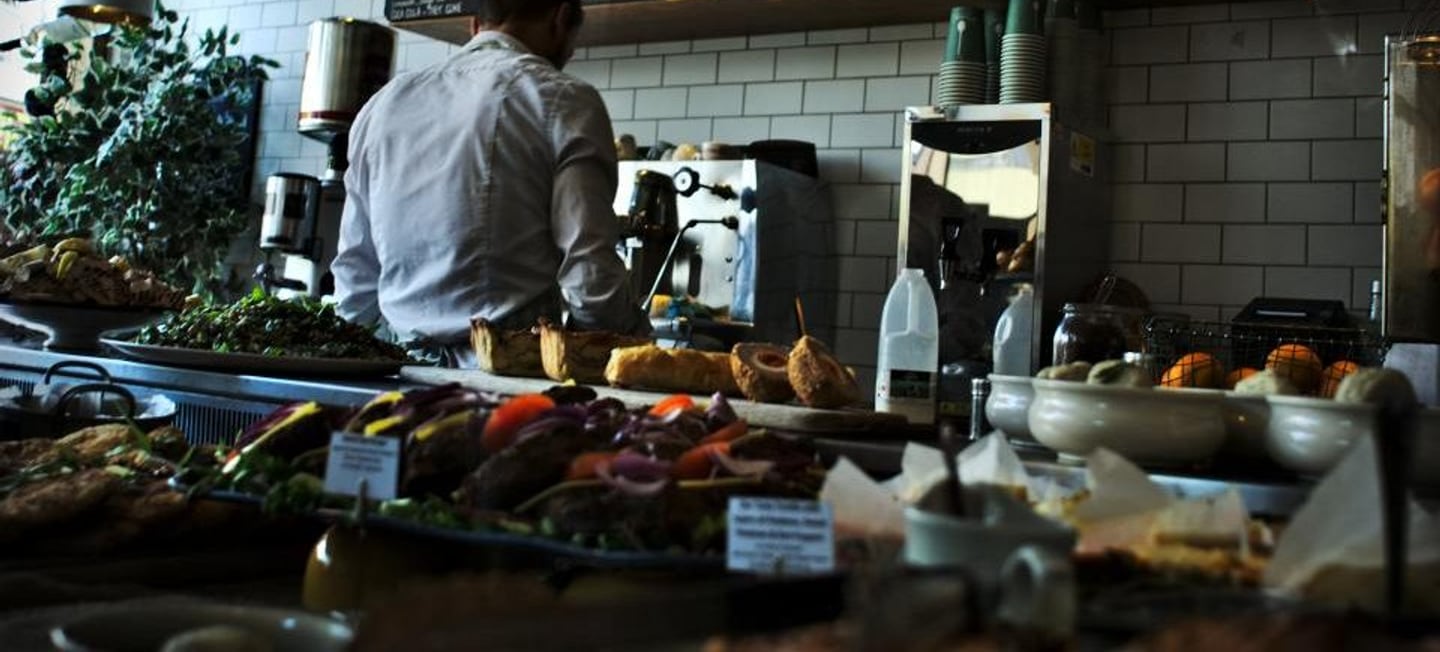
It’s 11:50am on a Friday at a made-up food truck, Ember Lane Tacos. The line is twelve deep. On Instagram, three people have asked where the truck is parked today. The phone has rung twice and nobody had a free hand. Somewhere in the Facebook messages, someone wants a price for tacos for 80 guests at a wedding in March. And the list of regulars who’d love a text when the truck is nearby lives in the owner’s notes app.
None of this is unusual. A food truck runs on a good menu, a location that changes, a small crew who are flat out at service, and customers who have to find you before they can buy from you. The cooking happens at the window. Most of the rest happens on a phone.
This guide shows how a food truck can run that side of the business in Colvy: the questions, the calls, the regulars, the catering and the reviews.
What Colvy does for a food truck (and what it doesn’t)
Colvy is where your customer conversations, catering jobs and marketing live. Instagram and Facebook messages and comments, texts, calls, website chat and email land in one shared inbox, on the web and in the Colvy app, so whoever is on the truck can answer. Around it sit quotes and invoices for catering, text and email campaigns, smart links with QR codes, and Google reviews.
What it doesn’t do: take orders at the window or run your till. Keep the POS you use now for that. Colvy looks after everything around the sale: people finding you, asking you, booking you and coming back.
1. Answer “where are you today?” without stopping service
The question a food truck hears most is the one only you can answer, and it tends to arrive when you’re busiest.
In Colvy, Instagram and Facebook messages, website chat, texts and email land in one inbox, so a question isn’t missed because it came in on the app nobody was watching. Your AI agents can answer the common ones straight away, from what you’ve taught them. Anything they’re unsure about comes to your team, with the conversation so far.
What they know lives in Business memory, under AI Agents. Put this week’s spots in as a must-know fact, and every AI reply and draft uses it from the next message:
This week: Wed and Thu 11am to 2pm, Harbour Street by the ferry. Fri 5 to 9pm, Riverside Night Market. Sat 11am to 3pm, Hillside Brewery. Closed Mon and Tue.
Then add short answers to the questions you hear every day: whether you take cards, what’s vegetarian, whether you do events. Update the spots on Sunday night, when you know next week’s plan.
Comments count too. “Are you at the brewery Saturday?” under your latest post comes into Colvy as well, and you can answer it with a public reply or a private message.
2. Catch the calls you can’t take mid-rush
People still ring: to check you’re open, to ask about a big order, or to book you for an event. With a Colvy business number, calls can ring your team in the Colvy app, and call forwarding can ring up to five Australian phones at once, so whoever on the truck has a free hand can answer. The first to pick up takes the call, and the others stop ringing.
When nobody can, missed-call text back sends the caller one friendly text. Their reply lands in the same conversation as the missed call, so you can answer when the rush is over.
If you’d like calls answered even when nobody’s free, Colvy’s AI receptionist can pick up when you’re busy or closed, answer common questions and take a message.
3. Tell your regulars where you’ll be
A food truck’s best customers are the ones who’d come every week, if only they knew you were nearby. A short text the evening before often does more than another post they may never see.
Every message, call and enquiry in Colvy belongs to a contact, and you can tag them as you go: CBD lunch, north side, night market, catering. Then a campaign goes to just the people it’s meant for, and you can schedule it for the right moment:
Colvy’s AI campaign builder can draft the audience, the message and the timing from a sentence (“text the CBD lunch crowd that we’re on Harbour Street on Wednesday”), and you check and edit it before anything sends. Replies come back to your inbox as their own conversations.
Marketing texts and emails need consent and an easy way out. Colvy skips anyone without marketing consent or who has opted out, and stops texting anyone who replies STOP. When a regular says yes at the window, add them as a contact and tick Subscribed to marketing. Our guide to SMS marketing consent in Australia covers the rest.
4. Give every sign and sticker its own link
Your truck is a moving billboard. The menu board, the side of the truck, the napkin dispenser and your Instagram bio can all point people somewhere useful: your Instagram, your website, your catering form or your Google review page.
Make each one a smart link and download its QR code as a print-ready PNG or SVG. Each sign gets its own link, so you can see which ones people actually use, and drop the ones they don’t.
5. Catering and events, from enquiry to invoice
Catering and events are often a food truck’s biggest days, and the ones with the most back and forth: the date, guest numbers, the menu, power and access, a deposit, final numbers.
Start with a catering form on your website or in your bio: date, venue, guest numbers, dietary needs and budget. Every enquiry lands in your inbox, and you can turn the conversation or form response into a job, with the customer’s details carried over.
From the job, send a quote built from your price list (a taco package per head, travel, a generator) with GST included or added, and your terms. The customer sees every line, accepts online with their name, and pays a deposit by card if you’ve asked for one, through your own Stripe account.
On the day, the job is on your calendar with the crew assigned. Colvy checks their other jobs and bookings for clashes first, and each person sees their own jobs for the day, with directions to the address. A saved checklist (gas, generator, napkins, card reader) records who ticked each item and when.
Afterwards, send an invoice for the balance. Customers pay by card online, you can record cash or a bank transfer, and Colvy can send a reminder if the invoice is overdue. Regular gigs, like a fortnightly lunch at an office park, can repeat weekly, fortnightly or monthly.
| Catering step | In Colvy |
|---|---|
| Enquiry | A form on your website or bio link, answered from the inbox |
| Quote | Packages, travel and extras from your price list, with GST |
| Deposit | Paid by card when they accept the quote |
| The day | On the calendar, crew assigned, a packing checklist |
| The balance | An invoice paid online, with reminders if it’s overdue |
6. Reviews and comments, in the same place
Reviews are what people check before they walk up to a truck they don’t know. You can reply to every Google review from your Colvy inbox, and AI can draft a reply in your tone for you to check before it’s posted.
To ask for reviews at the window, make a smart link to your Google review page and put its QR code where people wait for their order. A polite “Enjoyed it? We’d love a review” next to it is usually enough. Our guide on how to get more Google reviews has more ideas.
A week at a made-up food truck, with Colvy
- Sunday night: the owner updates this week’s spots in Business memory, and schedules a text for Tuesday evening to everyone tagged CBD lunch.
- Wednesday 12:15pm: two calls come in mid-rush and nobody can answer. Both callers get a text back, and one replies asking about catering for a work party.
- Thursday: that enquiry becomes a job. The quote goes out by text with a deposit, and it’s accepted and paid that evening.
- Friday night market: the AI agent answers “are you here tonight?” on Instagram while the crew cooks.
- Saturday: the crew opens the wedding job on their phones, with directions and the packing checklist. On Monday, the invoice for the balance goes out by email.
Getting started
- Connect Instagram, Facebook, your website chat and your business number.
- Put this week’s spots, your menu basics and your rules in Business memory.
- Turn on missed-call text back.
- Make a catering form, add your packages to your price list and save a quote template.
- Make smart links with QR codes for the truck, the menu board and your bio.
- Start tagging regulars by area, and ask the ones who’d like a text when you’re nearby.
Colvy’s Inbox plan is one price for your whole team, A$179 a month or A$149 a month billed yearly, GST included, with 3,000 texts a month. Running a café or restaurant too? Read the rainy Tuesday text, our guide to keeping regulars coming back. Start free and set up this week’s spots this afternoon.
Key takeaways
- Put this week’s spots in your AI agents’ Business memory, so “where are you today?” gets the right answer at any hour, on any channel.
- Catch the calls you can’t take mid-rush: ring up to five phones at once, and text back anyone nobody could answer.
- Tag regulars by area as you go, and text the ones who said yes when you’re parked near them.
- Run catering as jobs: a quote they accept online with a deposit, the crew and a packing checklist on the day, and an invoice for the rest.
- Give the truck, the menu board and your bio their own smart links and QR codes, so you can see which ones people use.
- Reply to Google reviews and Instagram and Facebook comments from the same inbox as everything else.
Bring every conversation into one inbox
Messages, calls, reviews and feedback — all in Colvy. Start free.
Get started free